Building a Consistent 3D Character Cast with AI
How I built a consistent cast of 3D characters using AI, and what I learned about prompt engineering.
A friend of mine runs a premium pet portrait photography studio in Cape Town called Hound & Halo. His logo looked terrible, his website didn't exist, and he needed both. I offered to help, mostly because I wanted an excuse to push AI image generation into a real production workflow and see what it could actually do.
The brief was simple. Create a family of cute 3D mascot characters (dogs and a cat) that would live across the entire website. They needed to feel like they came from the same universe. Same material, same proportions, same vibe. Different breeds, different colours, different personalities. And they needed to work in scenes together, holding things, interacting, reacting.
Starting wrong
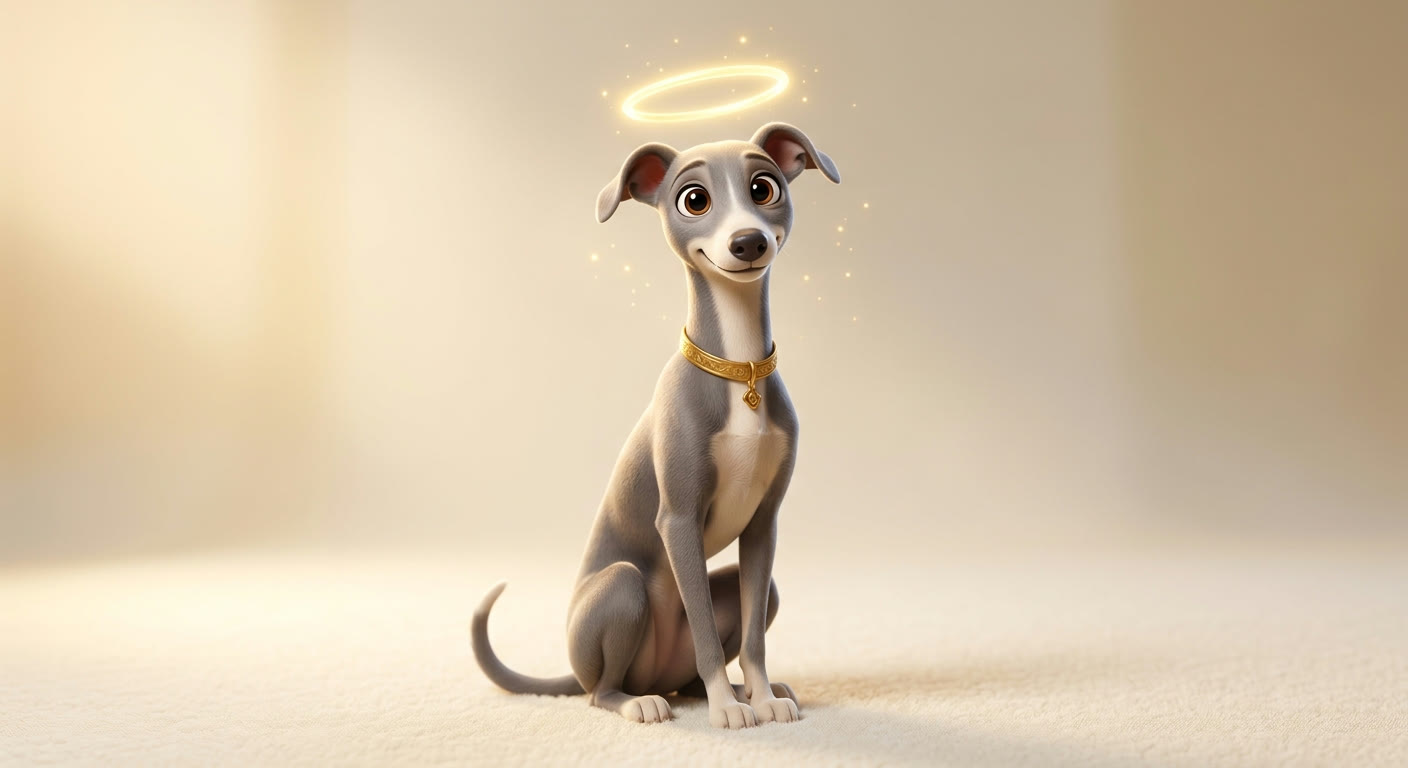
My first instinct was to write detailed prompts. Long, prescriptive descriptions of every element: material, lighting, proportions, facial features, background colour, camera angle. 150+ words per prompt. The logic seemed sound. More detail, more control.
It didn't work. The characters came out looking like Pixar rejects. Too realistic, too polished, too much anatomical accuracy. They didn't look like mascots. They looked like renders from an animation studio's B-reel.
Then I tried adding craft-related language. "Felt," "needle felted," "kawaii," "handmade." This swung too far in the other direction. Now they looked like actual Etsy products. Cute, but not professional brand mascots.
The problem was that I was over-directing.
The aesthetic lock
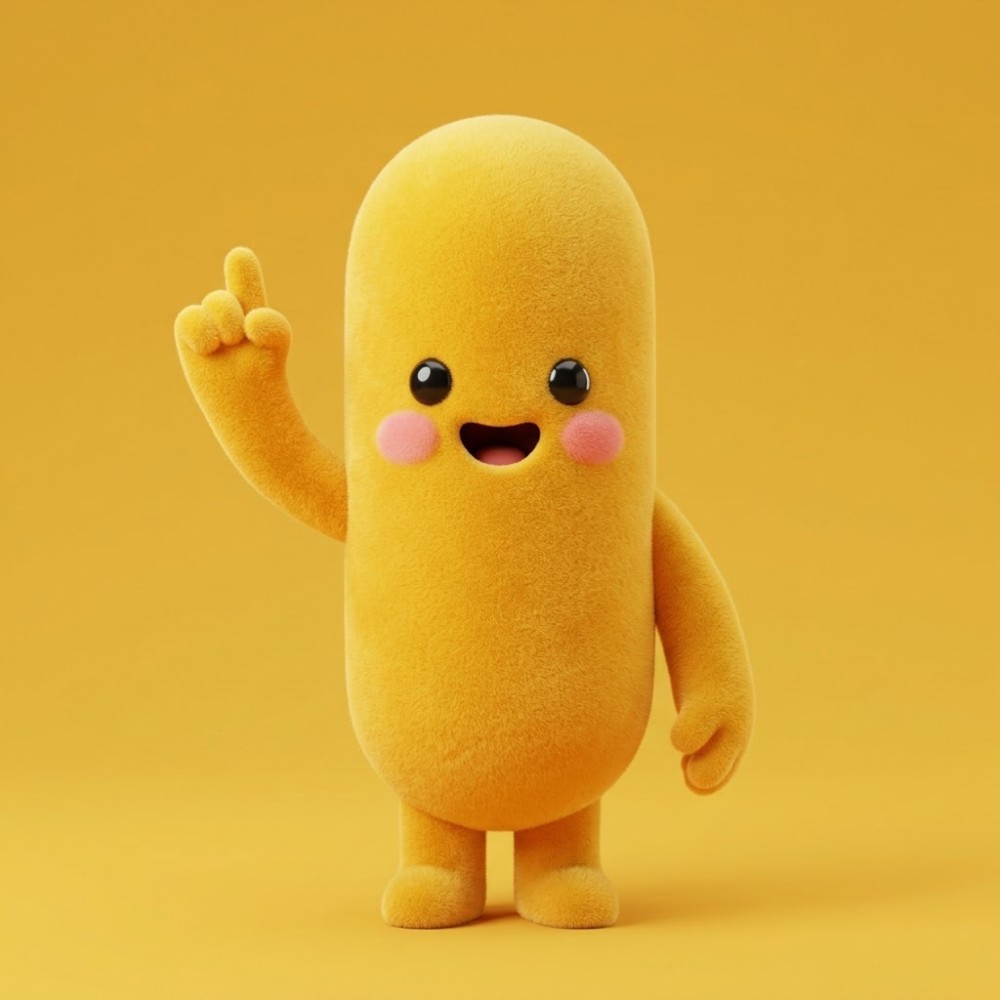
The breakthrough came from a reference image I generated in MidJourney. A simple yellow blob character with smooth matte material, dot eyes, pink blush circles, stubby legs. Not Pixar, not Etsy. Something in between. Polished digital render that references soft texture without being crafty.
I uploaded this as a style reference in Adobe Firefly at about 85–90% influence. The style reference was doing 80% of the work. The prompt only needed to describe what was different from the reference. Instead of 150 words, I needed 20.
First big realisation: with a strong style reference, less text equals better results. More text competes with the reference, weakening both.
The breed name problem
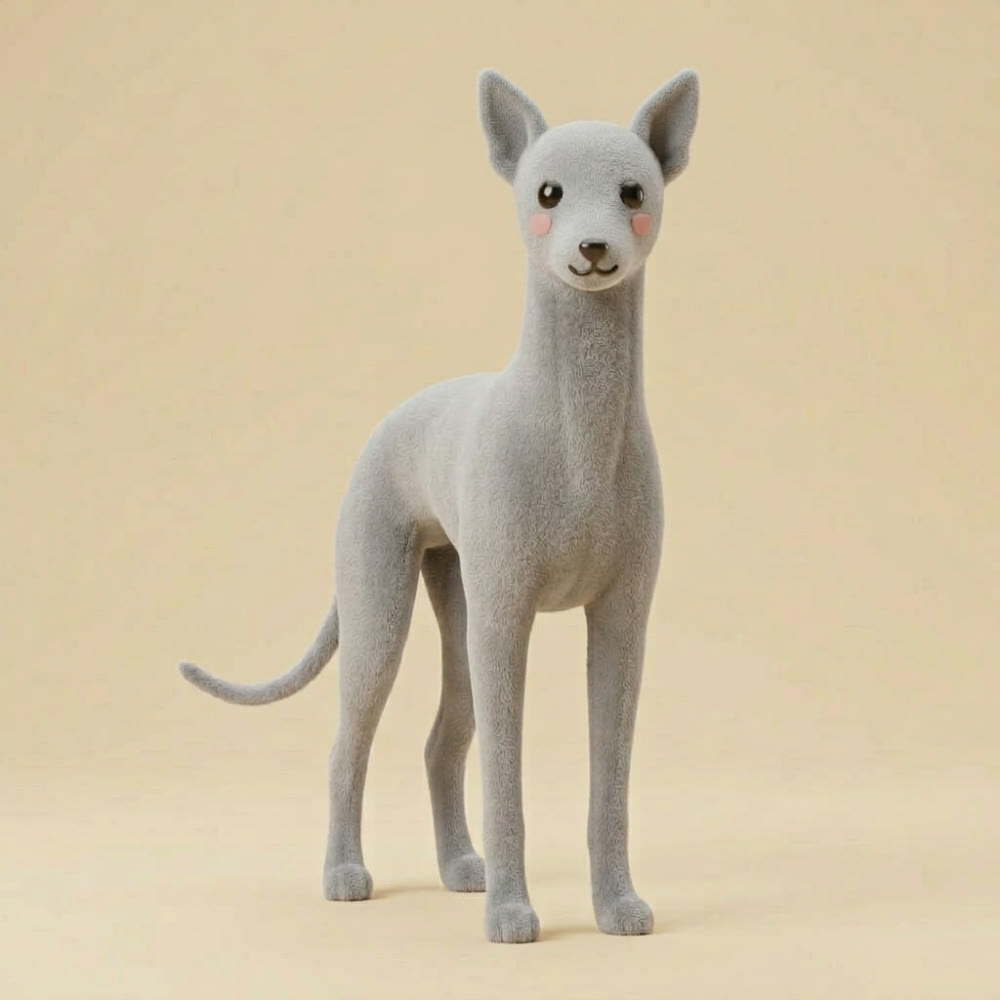
With the base aesthetic locked (a golden yellow character called Sunny), I started generating variants. A dalmatian, a greyhound, a dachshund, a French bulldog, a cat. The obvious approach was to just name the breed in the prompt.
Every time I wrote "greyhound" in a prompt, the AI's entire visual concept of what a greyhound looks like kicked in. Realistic proportions. An actual neck. Proper canine anatomy. The blob aesthetic vanished completely. The style reference, even at 90% influence, couldn't override the weight of thousands of greyhound training images.
The same thing happened with every breed name. "Dachshund" triggered long realistic dogs. "French bulldog" triggered actual French bulldog anatomy. The breed names were acting as semantic anchors that overpowered everything else in the prompt.
The fix was obvious once I understood the problem. Stop naming breeds entirely. Describe visual properties instead.
Instead of "greyhound": "taller, thinner, pointed ears, grey." Instead of "dachshund": "very long stretched body, very short stubby legs, long droopy ears, warm chocolate brown." Instead of "French bulldog": "wider flat face, short pushed-in snout, large round upright ears, compact stocky body, soft cream fawn."
The results were immediate. The blob proportions held. The kawaii aesthetic stayed intact. Each character looked distinct without breaking the visual system.
This works because descriptors describe visual differences without invoking the AI's learned breed model. You're steering the output with gentle nudges rather than triggering an entire visual knowledge graph.
Building the cast
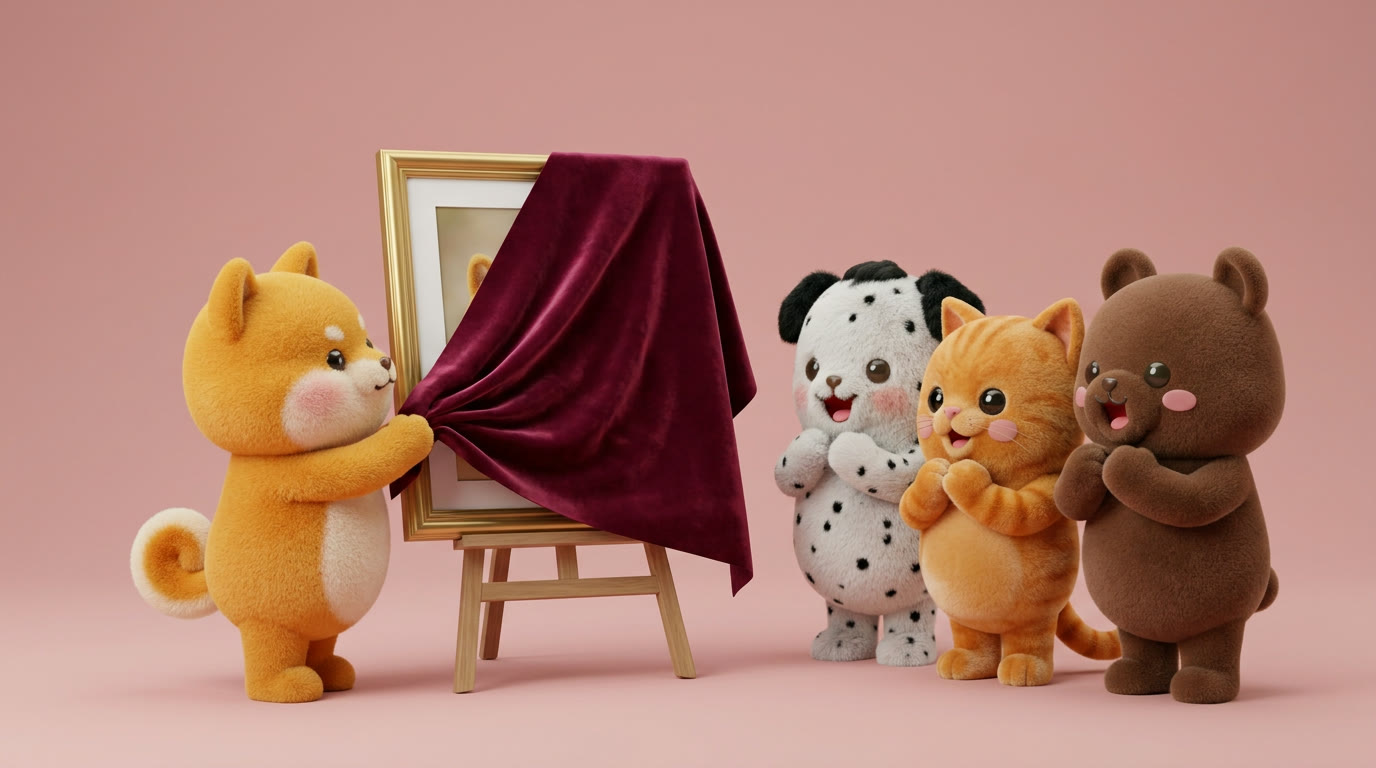
Once the descriptor approach was locked in, building out the full character cast became systematic. Every character used the same base style reference (Sunny). Prompts stayed under 25 words. Only the visual differences were specified.
Subtle texture variation also helped sell the breed suggestion without naming it. Dalmatians are naturally sleek, so I described "smoother, slightly glossy short-coat texture." Alsatians are fluffy, so "slightly thicker fluffy fur texture." The cat got "dense plush velvet texture." Each texture subtly referenced the real animal's coat without triggering the breed model.
One design decision that mattered: the halo (from the brand name) was reserved for Sunny only. This kept it meaningful as a brand symbol rather than a generic accessory on every character.
Composition: know when to stop prompting
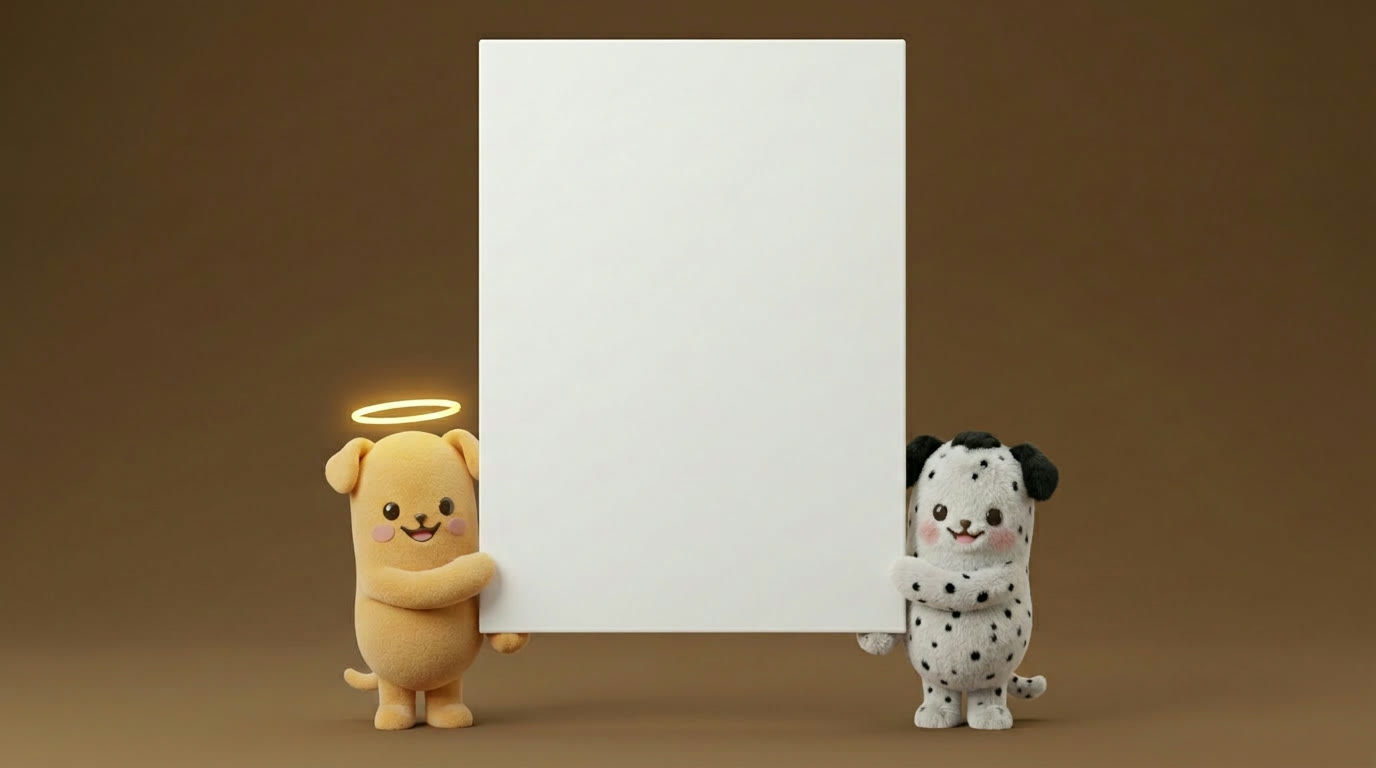
The next challenge was getting multiple characters into scenes together. Characters needed to hold banners, interact in a photography studio, present pricing information, take photos of each other.
AI cannot do spatial math. "Characters at 25% of the frame height" doesn't compute. "Two characters standing at the bottom corners holding up a white frame between them" produces unpredictable results. Complex scene prompts with multiple actors, props, lighting setups, and camera angles drown out the style references completely.
I tried several workarounds: scale language ("very tiny characters, huge oversized banner"), camera framing ("wide shot from far away"), aspect ratio tricks (generating at 9:16 then cropping). None of them worked reliably.
The solution was to stop fighting the tool and composite instead. Generate each character separately with arms in the right position, on a plain background. Remove backgrounds. Place them in Figma at the exact scale and position I wanted. This is actually how every professional character studio and animation pipeline works. Characters are assets. Scenes are compositions.
Animation: restriction is more powerful than description
The final phase was animating the characters for the website. I tested both Firefly's image-to-video and Midjourney's animation capabilities.
AI video models want to add motion. Their default is motion inflation. Every element moves, the camera pans, things happen that you didn't ask for.
The fix is counterintuitive. Instead of describing the motion you want, describe everything that should stay still. "No camera movement. Stay in place. Static background. Nothing changes except subtle breathing." Being aggressively explicit about what doesn't move produces better results than trying to describe subtle motion.
What this means for designers
The natural instinct is to treat AI like a junior designer: give it detailed briefs, specify everything, expect it to follow instructions. That doesn't work. AI image generation follows different rules than text-based AI. With text models, more detail usually helps. With image generation and strong style references, more text actively hurts. The reference carries the aesthetic. The prompt should only steer what's different.
The breed name finding has applications beyond animal characters. Any time you use a heavily loaded noun (a car brand, a celebrity name, a specific architectural style), you're triggering the AI's entire learned concept of that thing. If you want to keep control of the aesthetic while adding variety, describe visual properties instead of naming categories.
And the compositing lesson applies to any multi-element scene. AI is excellent at generating single subjects with consistent style. It's unreliable at composing complex scenes with multiple actors in specific spatial relationships. The professional approach is to generate assets and compose them yourself. This isn't a limitation to work around. It's the natural boundary between what AI does well and what designers do well.
The tools are there. The technique is learnable. The key is understanding that giving AI less instruction, anchored by strong references, produces better results than giving it more.